Choose a Look for Your Roll
A roll of film came with a look built in. Your camera can do the same. Choosing a color style, or black and white, before the first frame is one more way to see differently.
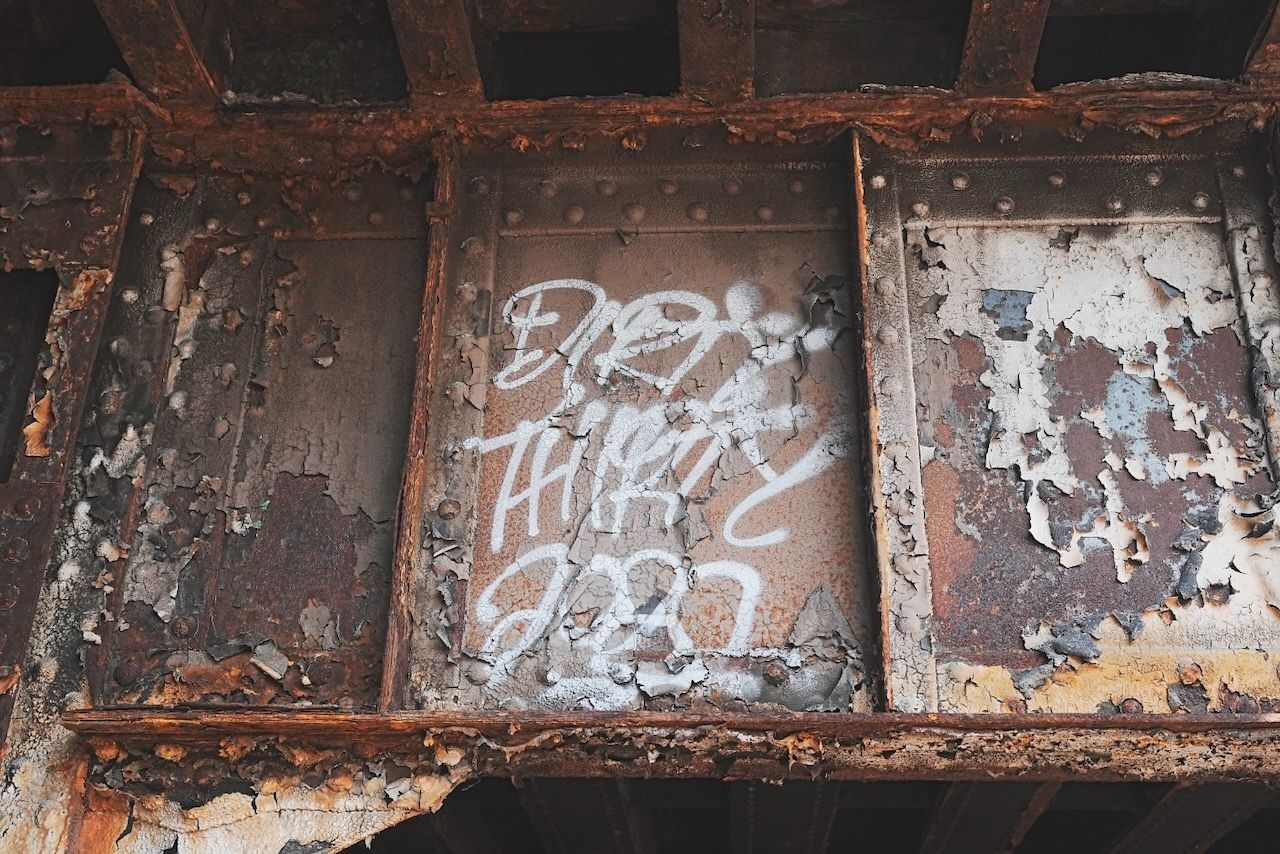
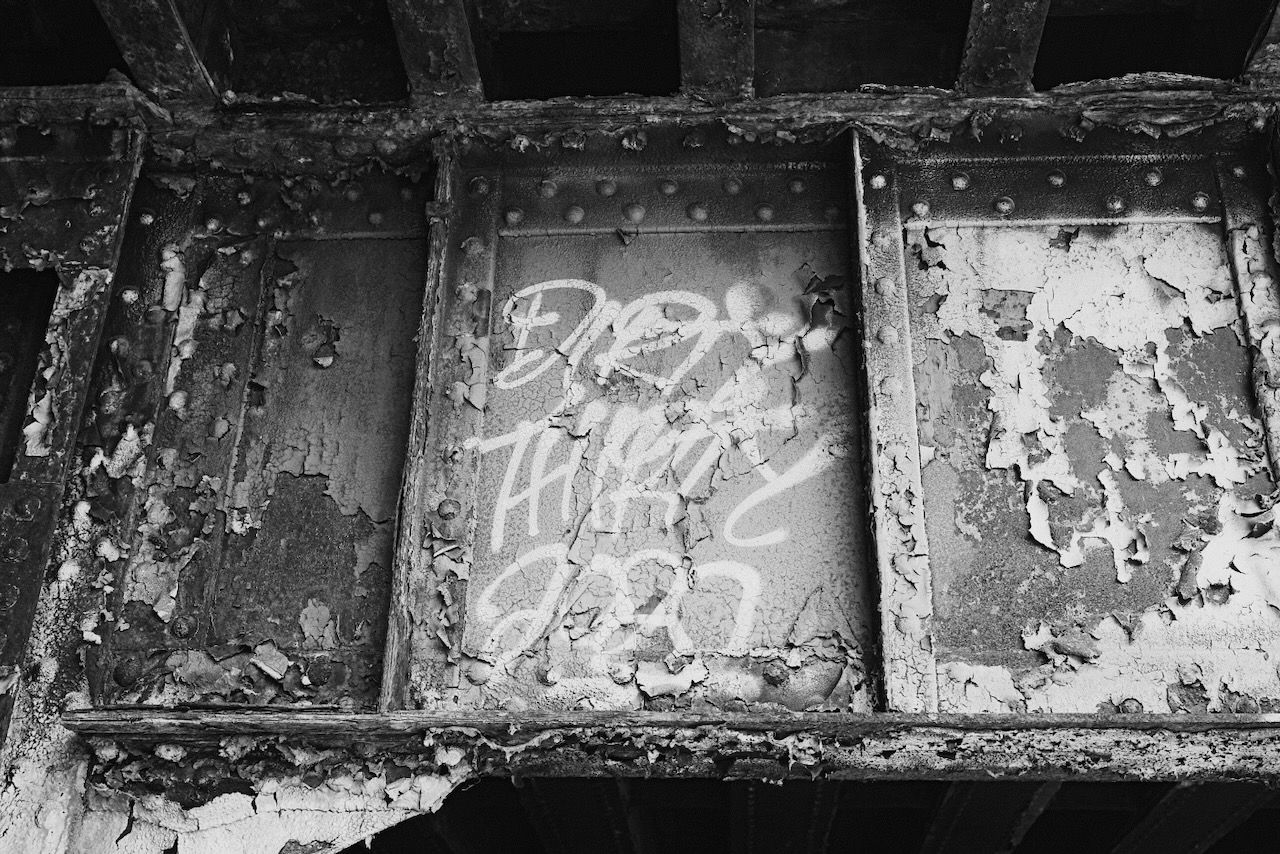

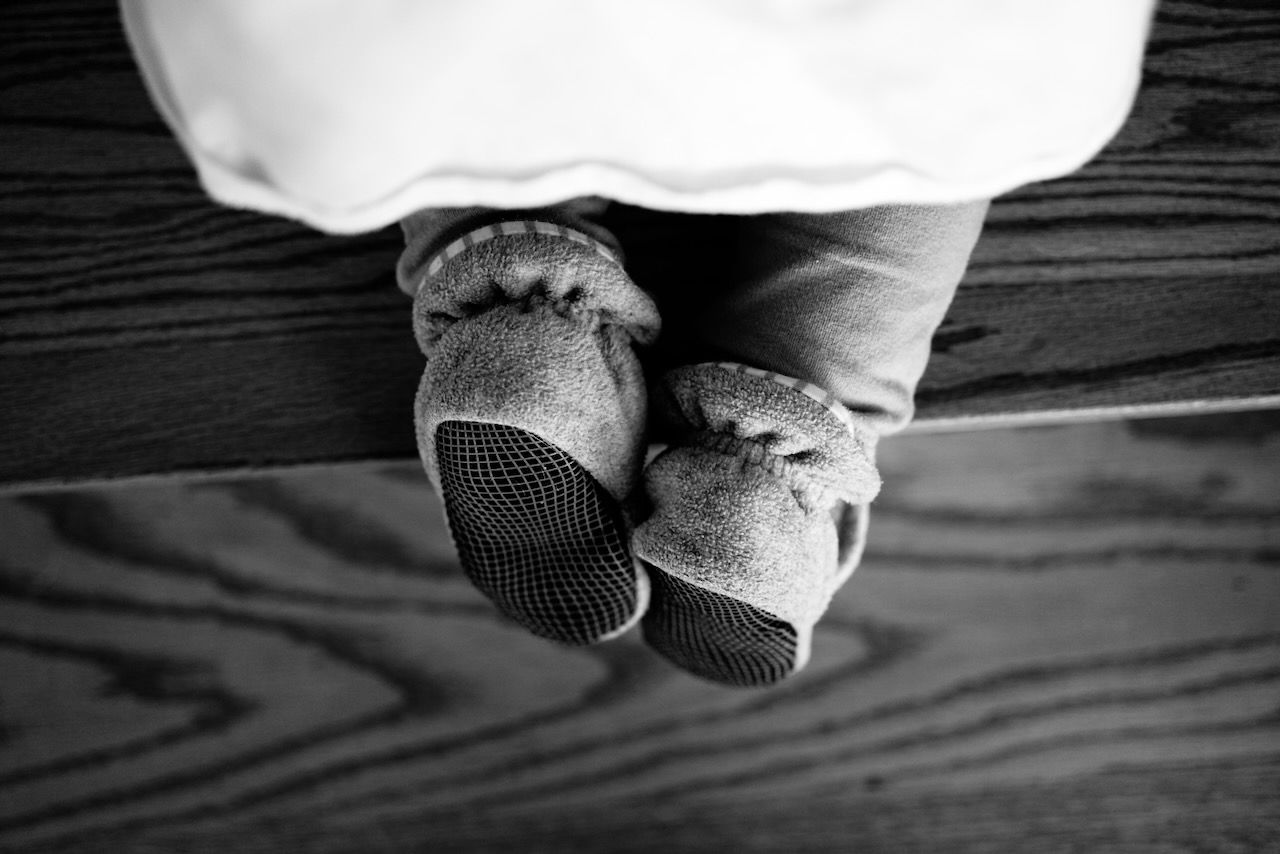
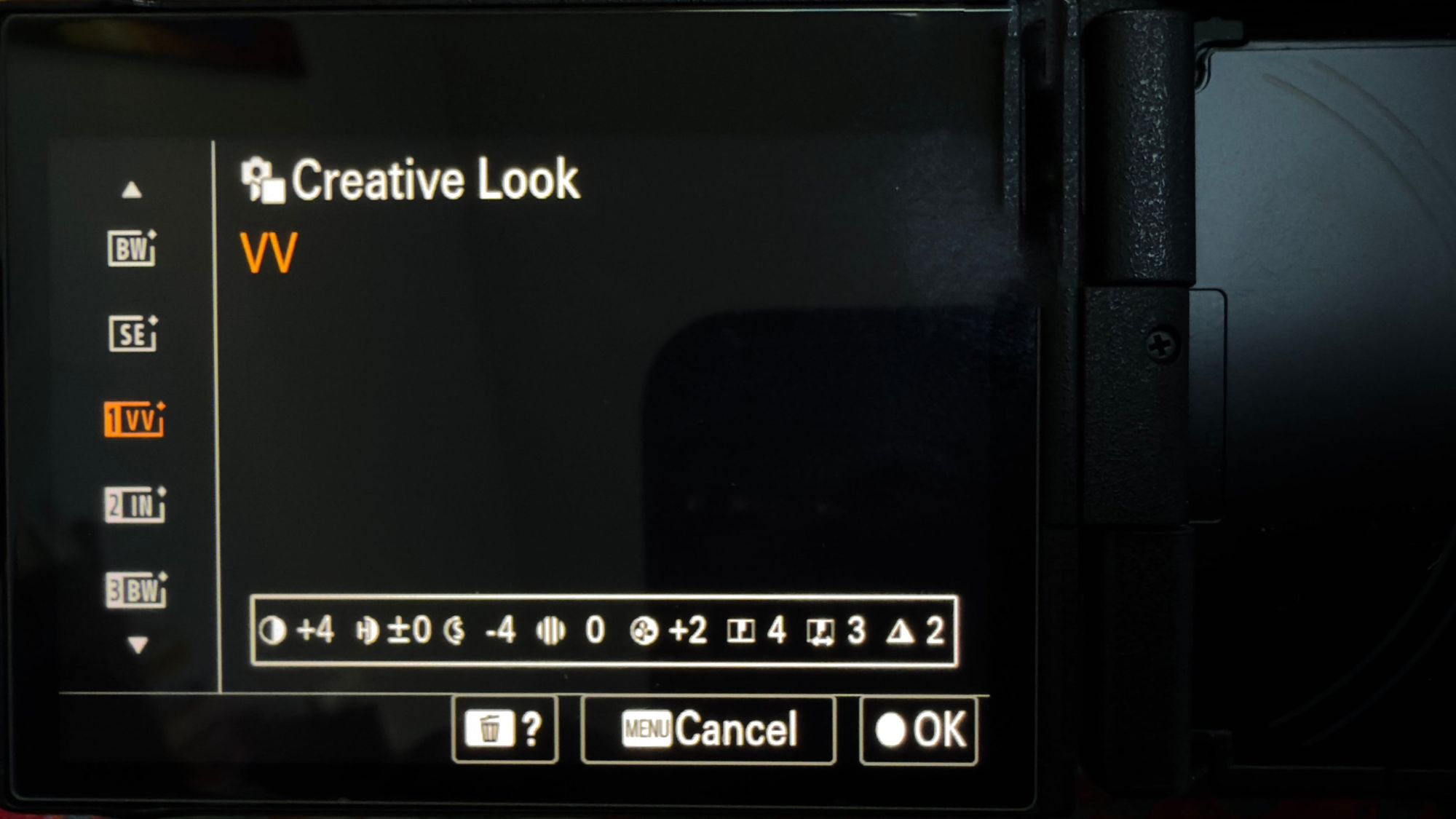
A roll of film came with a look built in. Your camera can do the same. Choosing a color style, or black and white, before the first frame is one more way to see differently.
When you loaded a roll of film, you made a decision before you took a single picture. You weren't only choosing how many frames you had. You were choosing how everything on that roll was going to look.
One film was soft and warm. Another was bold and saturated. Another had no color at all, only gray, with a rough grain. You picked it at the counter, and for the next 24 or 36 frames you lived with the choice. It shaped what you noticed. A photographer with black and white in the camera looks at the world differently from one with a vivid color film, and the difference starts before the shutter.
Your digital camera can still do this. Most of us have simply forgotten that it can.
The look is already in your camera
Almost every camera has a setting for how it renders color, contrast and tone. Every maker calls it something different:
The names and the menus differ between models and generations, so check your camera's manual or menu if you can't find it. Whatever it's called, it does the same job: it lets you decide what kind of picture you are making before you make it.
Why bother
You could always change the color later, in an editor. But choosing in advance does something different.
It changes what you see. With a black and white style switched on, your screen or viewfinder shows you the scene without color, and you start noticing the things black and white is made of: shape, texture, light, shadow. A red door stops being red and becomes a dark rectangle with an edge. Color can hide those things, so removing it is a good way to find them.
It simplifies the decision. Having one look for the whole roll means you aren't wondering about it afterwards. The pictures hang together, and they feel like a set.
It makes the roll an event. A roll with a look has a character. "The black and white roll" or "the warm, faded roll" is more memorable than "twenty minutes on a Tuesday".
It is simply enjoyable. Switching your camera to a new look and walking around the corner to see what the same street does is a small, cheap thrill.
Ways to do it
Go without color. Set the camera to black and white, or a monochrome style with good contrast, and shoot the whole roll that way. Look for light, texture and pattern. It pairs especially well with prompts like worn, shadows or repeats.
Go heavy on color. Pick a rich, saturated look and aim for strong colors: a yellow door, a green trash can, a blue car. Or a faded, muted look, and hunt for quiet tones.
Go warm, or go cool. A warm look for the end of the afternoon, a cool one for an overcast morning. Match the look to the weather you've got, or deliberately go against it.
Shoot the same word two ways. Take the word rust and shoot it once in black and white and once in color. Put the pictures side by side afterwards. It is a good way to see what color adds and what it was hiding.
Borrow a film. If you remember a favorite film, or have one you have always wanted to try, many cameras have a look that nods to it. Treat it as a starting point, not an imitation.
A few habits that help
Choose before the first frame, and stay with it. That is what makes it feel like film. If you swap looks halfway through, you lose the sense of a roll with one character.
Shoot RAW as well, if your camera can. On many cameras the style shows on the screen and in the JPEG, while the RAW file keeps all the original color. That means you can have the fun of the look now and still change your mind later.
Keep it modest. You don't need to master your camera's menus. One look, one roll. Try another next time.
Look at the set. When you've finished, go through the pictures together. You'll often find the look has shown you something you wouldn't have seen in color, or the other way round.
Where OneRoll fits
OneRoll treats a roll like a roll. It gives you a number of frames, a few words and a little time, and now it can give you a look as well. When you make a roll, you can set it to color, to black and white, or to your choice.
Color and black and white are the film decision: the whole roll is shot that way, and the setting goes along with the roll when you share it, so whoever opens it knows what you had in mind. Your choice leaves it open for the photographer to decide, which is the right answer for a lot of rolls.
The words give you a reason to look, and the look gives you a way of looking. Together they are most of what a roll of film used to be. Load one, and see what comes back.